Meta ads
With the Meta ads integration you will be able to:
- Import ad campaign data
- Enable Appstack to match Apple’s raw data to the right source
- Unlock new dashboards on the ‘Analytics’ module.
Connect to Meta
tip
To successfully connect Meta you must:
- Have Full control access over the right ad business portfolio. Partial access is not enough to make the integration work.
- Ensure that the app used within Appstack is connected to the right ad account.
Step-by-step
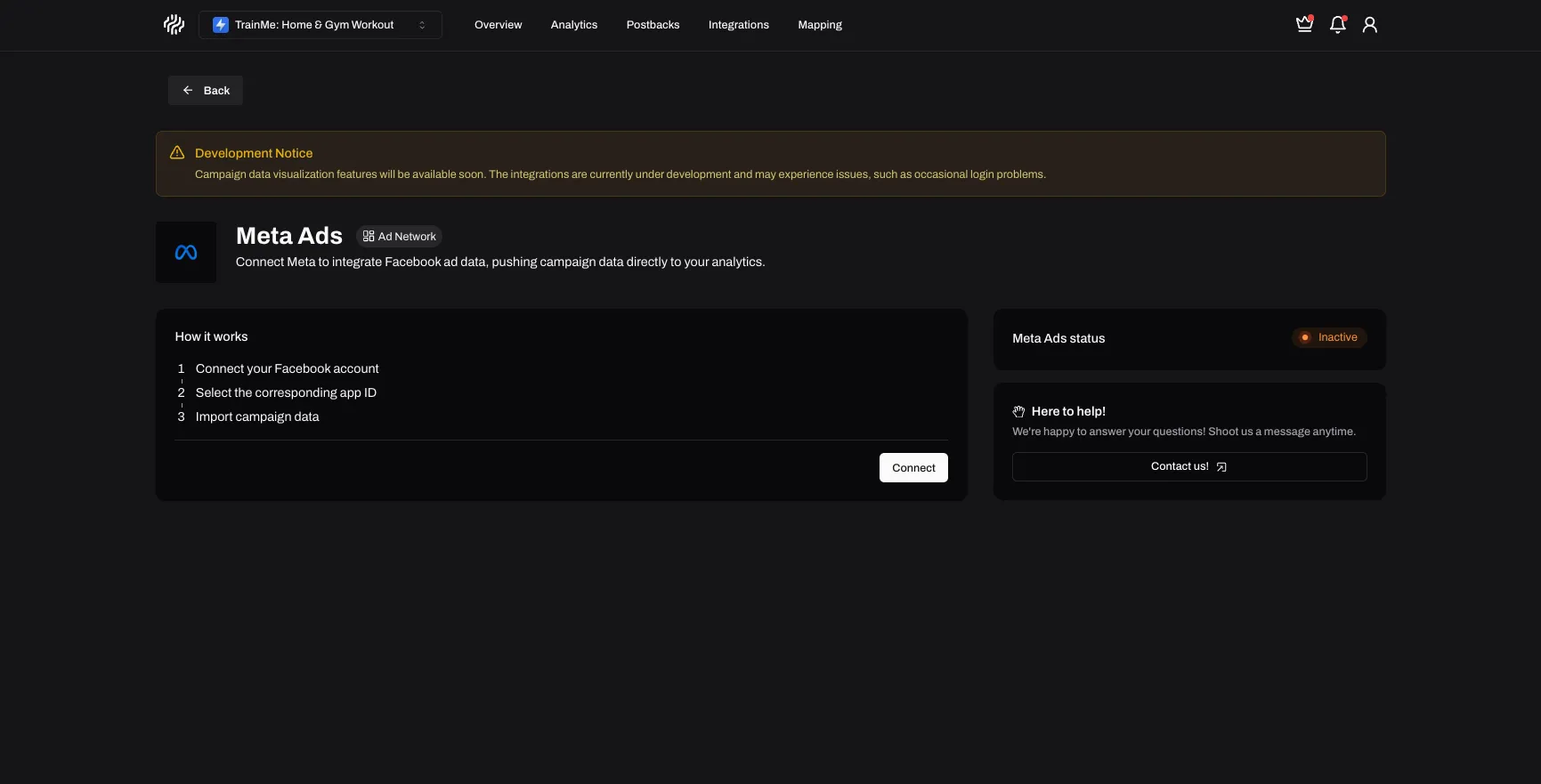
- Go to integrations and click on Connect. This will automatically open a new page that will redirect you to the Meta connection flow.
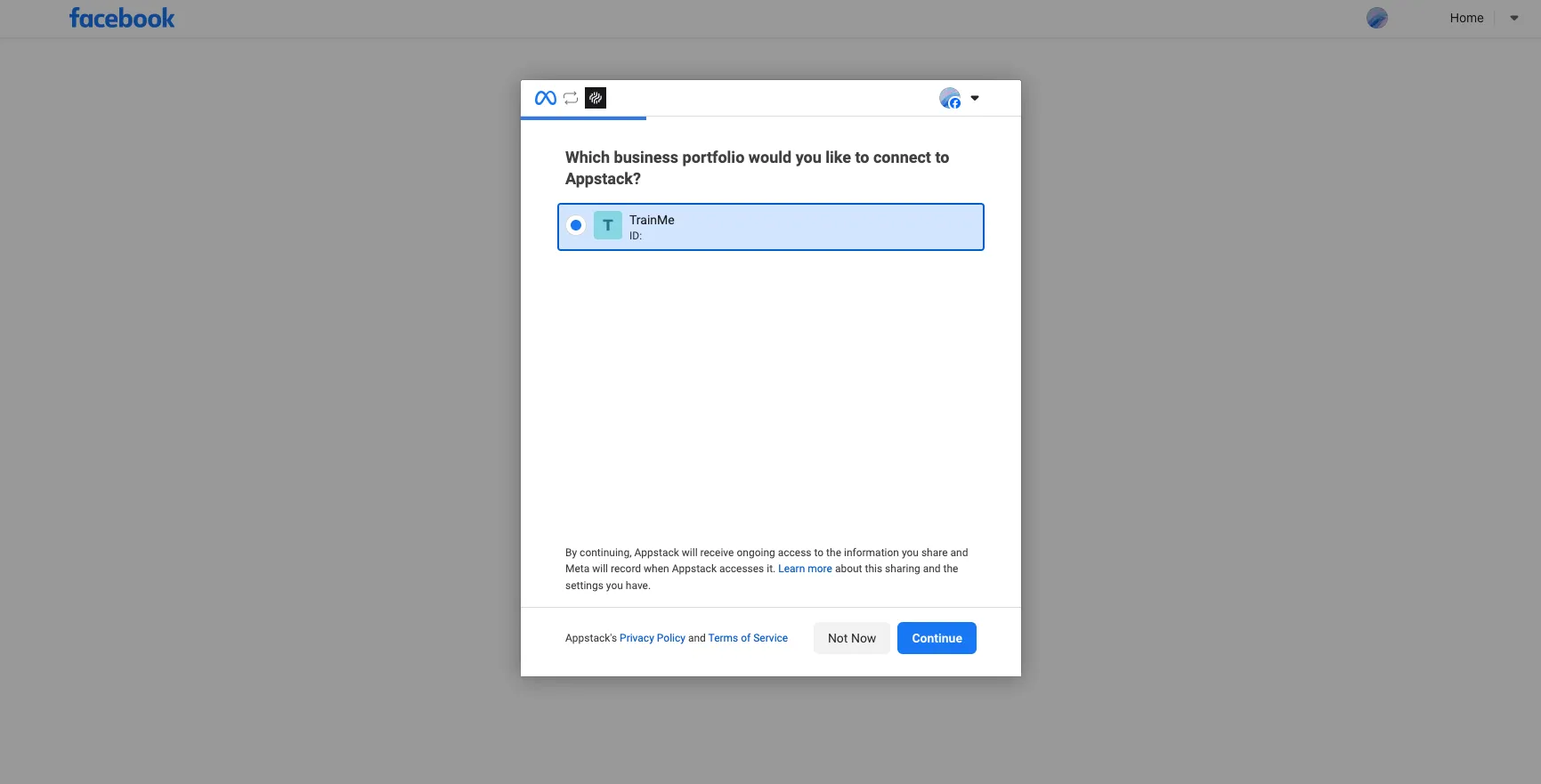
- Select the business portfolio that contains the right ad accounts and apps.
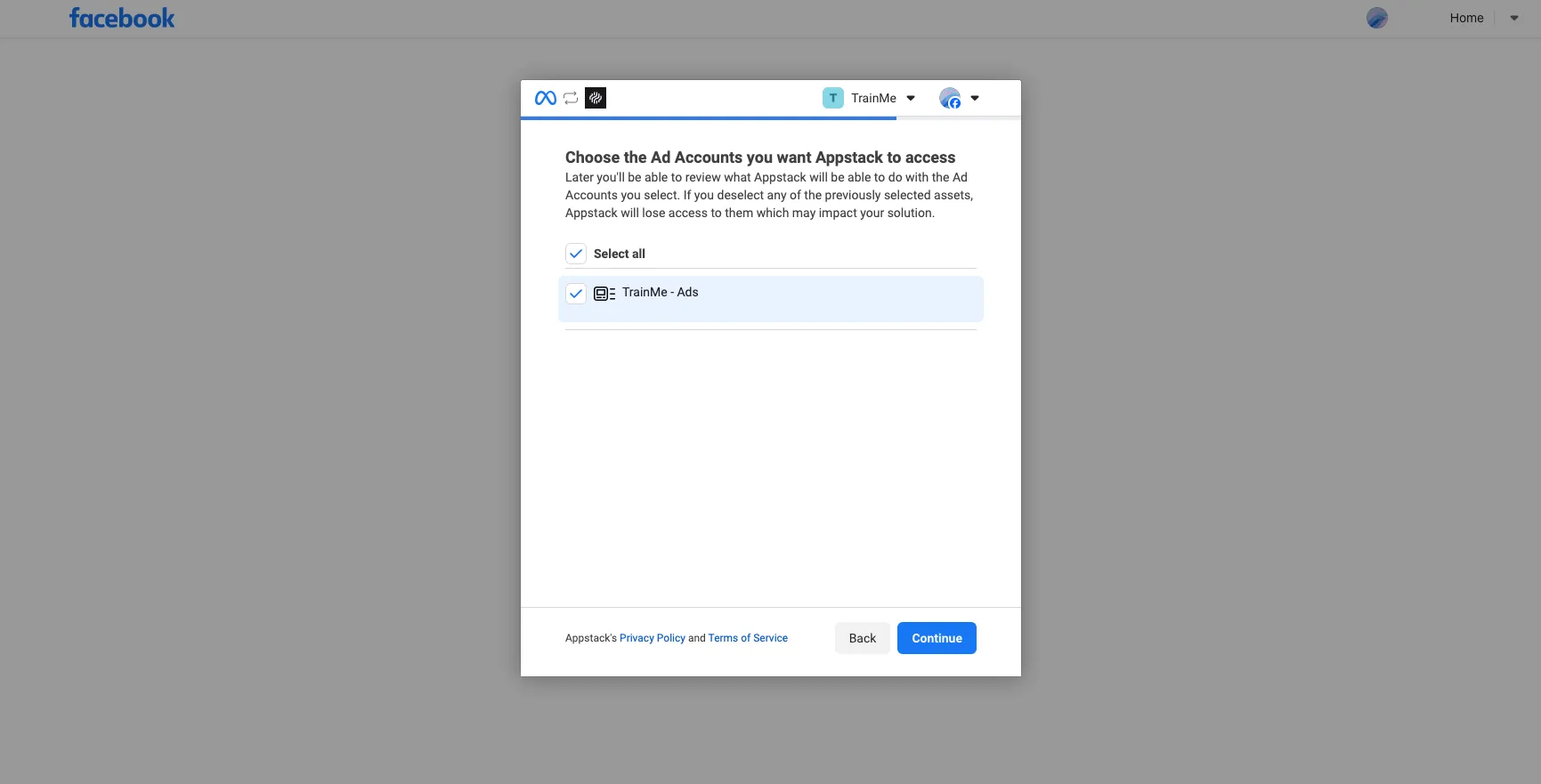
- Ensure that you click on Select all ad accounts.
- Accept the requested permissions.
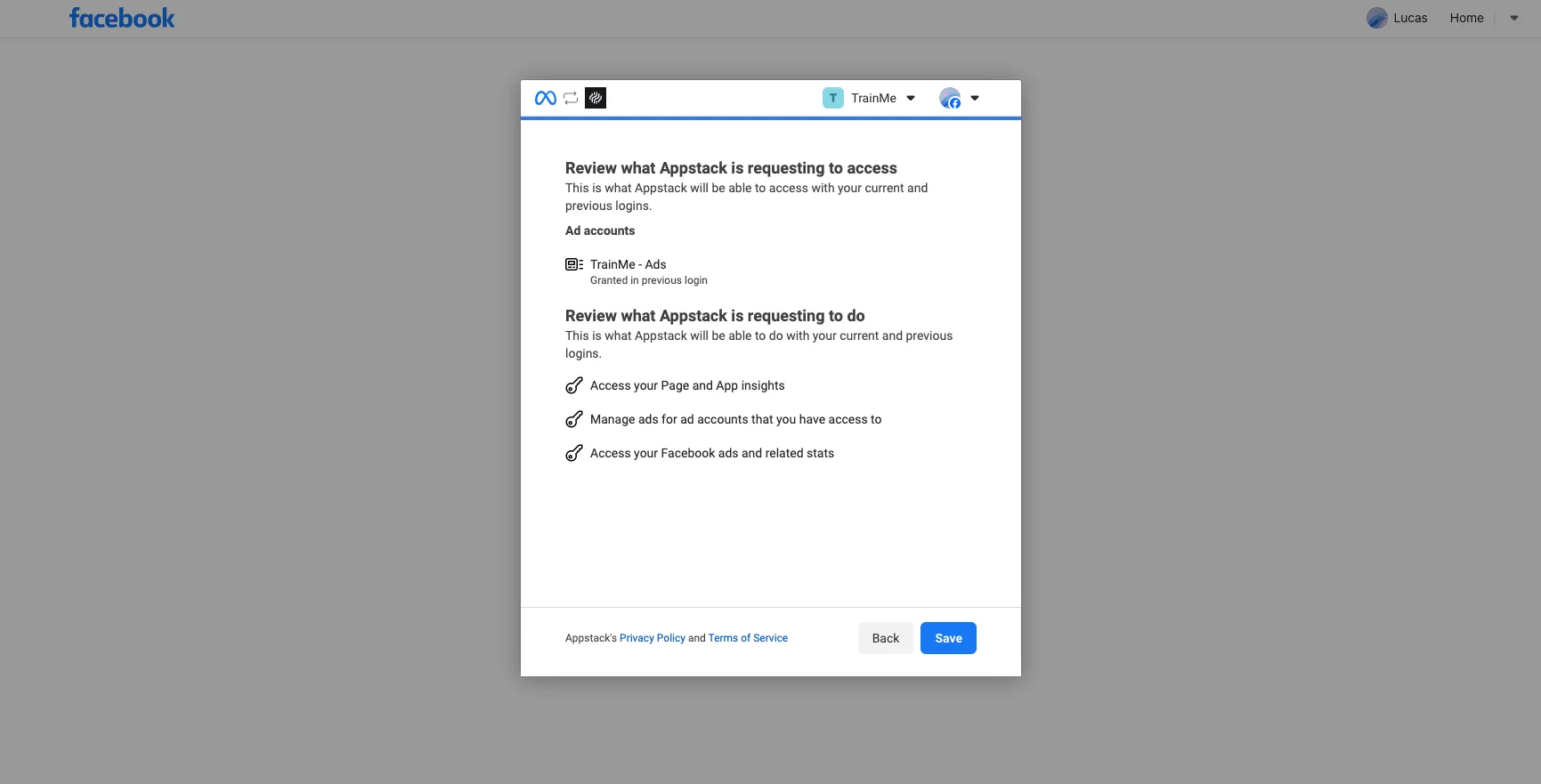
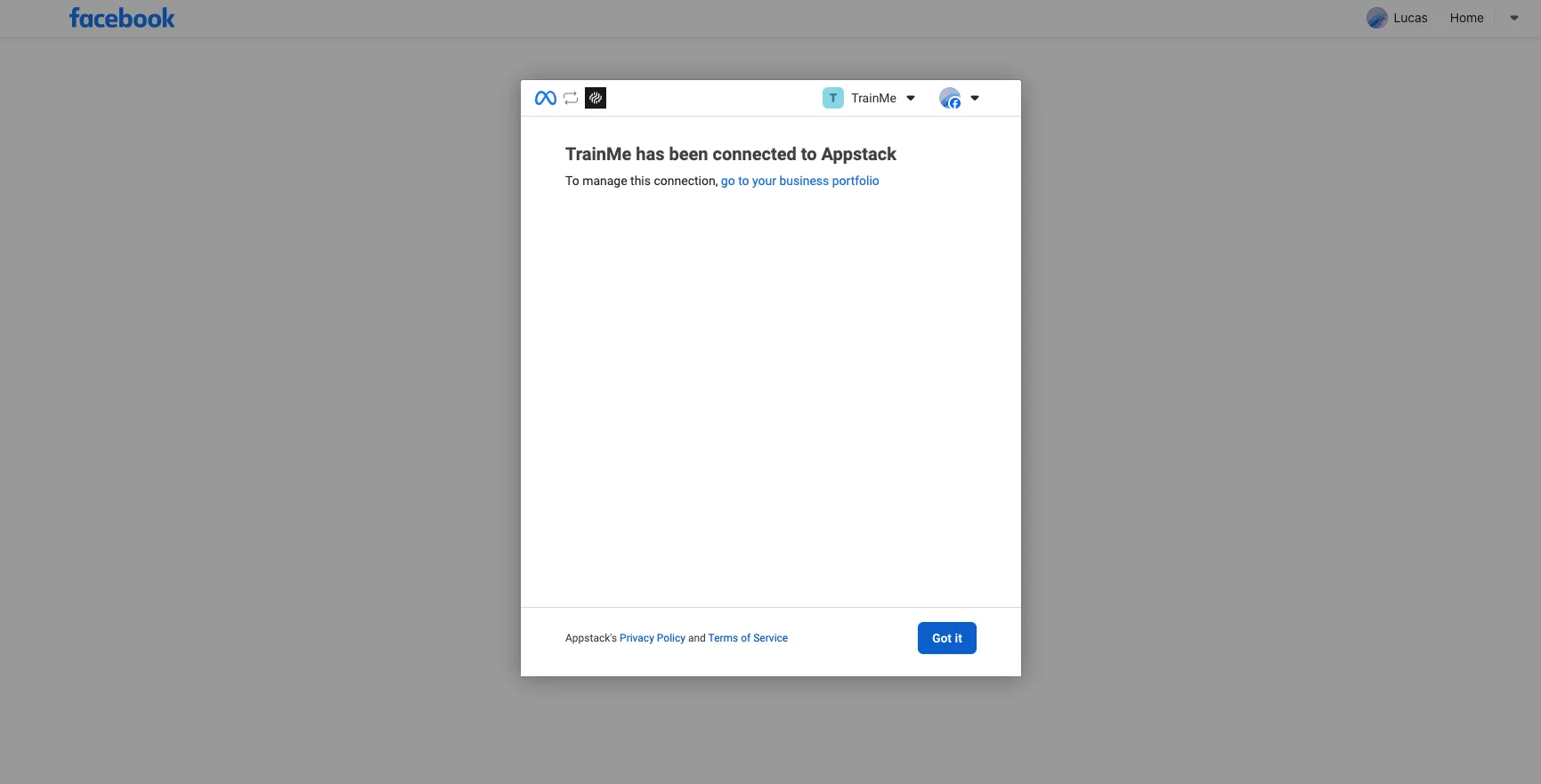
- Click Got it and then you will get redirected to Appstack’s integration page.
Troubleshooting
If you encounter any issues while connecting Meta, check our Integration Errors guide for common solutions.